Mastering Online Interactions: Top Tips for Effective Webcam Live Streaming and Virtual Meetings
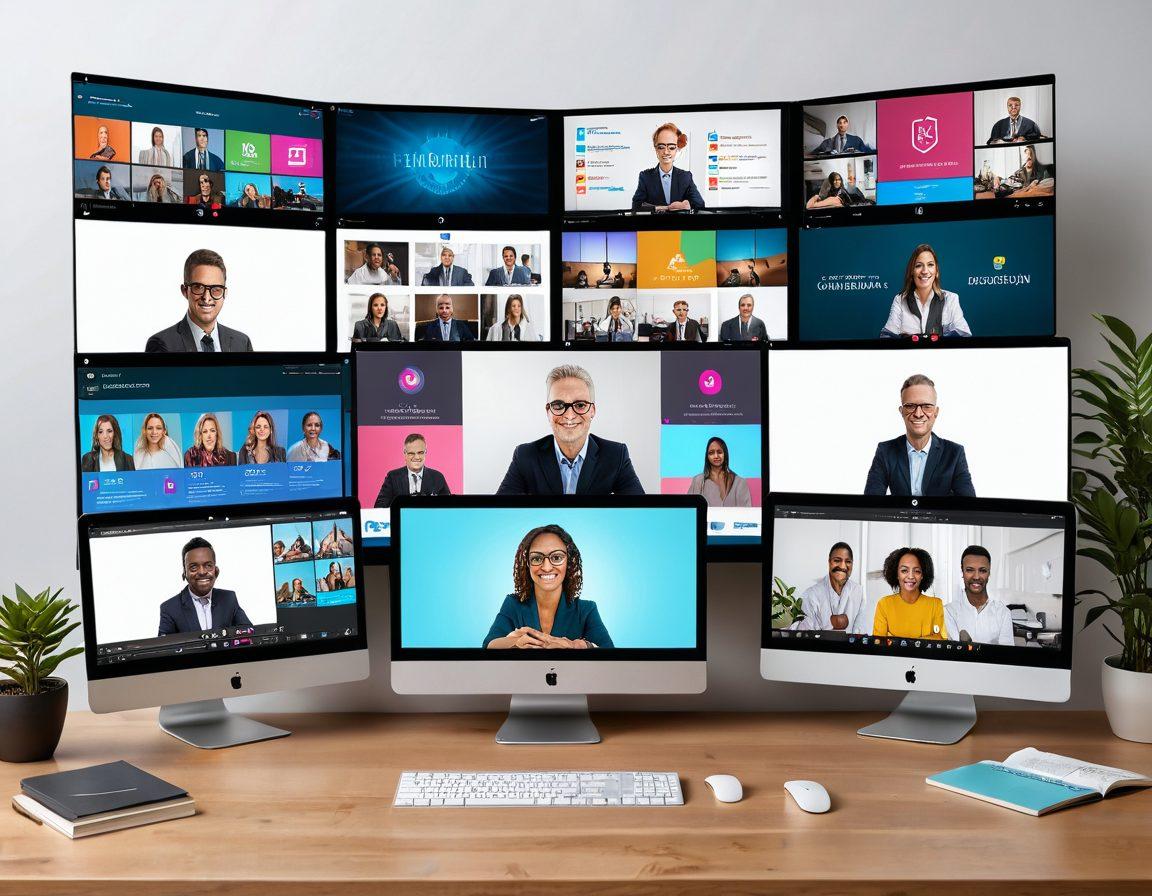
In today's digitally driven world, where virtual meetings and online communication have become our new norm, mastering the art of video chats can have a significant impact on our professional and personal lives. Whether you're stepping into a crucial business conference via video call, engaging in live streaming sessions, or participating in remote meetings with your global team, an effective setup can make all the difference. But how can you ensure your webcam setup is as professional and clear as possible? Let's explore some essential gear and setup tips that can elevate your video chats and set you up for success.
First things first, investing in a high-quality webcam is non-negotiable. While most laptops come with built-in cameras, they're often subpar in terms of image clarity and resolution. Look for webcams that offer at least 1080p resolution, as these provide a sharper and more professional image. Factoring in additional features like autofocus and low-light correction can significantly enhance the overall quality of your streams. Logitech's C920 and the Razer Kiyo are popular choices among seasoned live streaming enthusiasts for their remarkable clarity and performance.
Lighting is another crucial element that can make or break your online video chats. Natural light is ideal, but if you're in a dimly lit room or working late, investing in a good ring light or an LED panel can work wonders. Proper lighting not only makes you look more professional but also keeps your viewers engaged. Position your main light source behind and slightly above your webcam to avoid harsh shadows and ensure an even, flattering glow. Remember, good lighting is often the unsung hero of an effective video collaboration.
Next, let's talk about audio quality. No one enjoys cringing through a virtual meeting where the speaker sounds like they're underwater. A dedicated microphone can dramatically improve the clarity of your voice compared to your webcam's built-in mic. USB microphones, such as the Blue Yeti or Rode NT-USB, are user-friendly and offer excellent sound quality, making them great for video conferencing and live broadcasts. Don't forget to consider using noise-canceling headphones to minimize background noise and disruptions during your calls. Clear communication is key to successful remote collaboration.
Lastly, consider your background and overall frame composition. A cluttered or distracting background can divert attention away from your message. Opt for a neutral, tidy backdrop, or blur it using advanced features available in many video messaging platforms. Additionally, frame yourself adequately by centering your head and shoulders within the view, maintaining eye contact with the camera rather than your screen. This small change can enhance the sense of connection with your audience, making your digital meetings and virtual interactions more personal and impactful. After all, in the realm of online video conference, the devil is in the details!
Engage Your Audience: Strategies for Dynamic Live Broadcasts and Effective Teleconferencing
In today's era of digital globalization, mastering online communication has become crucial. Whether you are engaging in live streaming, hosting virtual meetings, or leveraging video chat for remote collaboration, it's essential to captivate your audience and maintain a seamless flow of interaction. The art of webcam live streaming and effective teleconferencing is more than just speaking into your camera; it's about fostering a dynamic and engaging environment that makes virtual interaction feel personal and impactful. Are you ready to turn your online video chats into memorable experiences?
One of the key aspects of successful live streaming and video conferencing lies in how well you can engage your audience. Think about it: during in-person meetings, body language and physical presence play a huge role in engagement. How can you replicate or even transform that same level of interaction in an online setting? The answer is by combining visual cues with clear, engaging storytelling. Use animated expressions, hand gestures, and varied vocal tones to keep your virtual audience glued to their screens. Remember, it's not just about what you say, but how you say it.
To make your live broadcasts and web video chats more dynamic, integrate interactive elements. Use features like polls, Q&A sessions, and live chats to encourage real-time interaction. Ask your viewers questions, consider their feedback, and involve them in the conversation. This not only makes them feel valued but also keeps the energy high throughout your digital meetings. Consider this: if you were in a face-to-face meeting, would you engage your audience by just talking at them, or would you invite them into the discussion?
Virtual meetings and remote collaboration can sometimes feel isolating. To create a sense of community, incorporate personal touches and relatable anecdotes. Share stories that connect with your audience's experiences. For instance, open your meeting with a funny or relatable situation about a previous video call gone awry, then tie it into your meeting's objective. Such personal touches not only break the ice but make the conversation feel more genuine and less transactional. Your audience is more likely to stay engaged if they feel a human connection through the screen.
Lastly, make sure your technology supports your efforts. Poor video quality or connectivity issues can significantly hinder online communication. Ensure your webcam is positioned correctly – at eye level for a direct and engaging view. Test your equipment beforehand to avoid any technical glitches during live video sessions. When your technical setup is reliable, you can focus more on delivering compelling content and less on troubleshooting. Remember, in the realm of virtual conferences and video communication, your setup reflects your professionalism and dedication to quality interaction.
Mastering online interaction is a continuous journey that requires experimentation and adaptation. By focusing on engaging your audience, incorporating interactive elements, sharing relatable stories, and ensuring your technology is up to par, you can transform your video calls, virtual meetings, and live broadcasts into impactful and memorable experiences. So, the next time you switch on your webcam for a web conferencing session, remember these strategies. Turn every virtual chat into an opportunity to not only convey your message but also to connect and collaborate more effectively.
Seamless Virtual Interactions: Best Practices for Smooth Remote Meetings and Video Collaboration
In an age where remote work and online communication have become the norm, mastering the art of virtual interaction is no longer a luxury but a necessity. Whether it's a critical business meeting, an important presentation, or a straightforward catch-up with colleagues, seamless virtual interactions are vital to maintaining productivity and ensuring clear communication. But how can one ensure smooth sailing during remote meetings and effective video collaboration? Let's dive into best practices that will elevate your webcam live streaming and video conferencing experiences, ensuring you're always on top of your game.
First and foremost, preparation is key. Think about the last time you had a video call that went off the rails. Chances are, technical difficulties, poor lighting, or background noise played a major role. Before you jump into your next web conferencing session, take a few minutes to test your equipment. Ensure your webcam is at eye level, your microphone is clear, and your background is clutter-free. Lighting can make or break a video chat; natural light is ideal, but a well-placed lamp can work wonders. As Steve Jobs wisely said, 'Details matter, it's worth waiting to get it right.' Simple adjustments can lead to more professional and engaging live streaming experiences.
Engagement is the cornerstone of successful online video communication. In an in-person meeting, body language and facial expressions play a significant role in conveying messages. The same holds true for virtual interactions. Maintain eye contact by looking directly at the camera rather than at the screen. This small gesture can enhance the feeling of connection during live video calls. Additionally, be mindful of your tone and be expressive. Monotony is the enemy in remote meetings. Asking questions, using varied sentence structures, and even incorporating a story or two can keep participants engaged and attentive. Remember, a good story can turn ordinary information into a memorable experience.
Another critical aspect of seamless digital meetings is effective time management. Virtual meetings can easily drag on if not properly managed. Set a clear agenda before the meeting and share it with all participants. This helps everyone stay focused and on track. Additionally, assign a timekeeper to gently remind the group if discussions start to veer off track. Incorporating break times in longer virtual conferences can also be beneficial, allowing participants to recharge without losing focus. Efficient time management fosters a more productive and enjoyable online video conference experience.
Lastly, embracing the various tools and platforms available for remote collaboration can drastically improve your virtual interaction. From Zoom and Microsoft Teams to Slack and Google Meet, each platform offers unique features designed to enhance online communication. Explore functionalities like screen sharing, breakout rooms, and virtual whiteboards to facilitate interactive and engaging sessions. And don't forget to familiarize yourself with troubleshooting common issues; this preemptive knowledge can prevent unnecessary disruptions. By leveraging these tools effectively, you can transform mundane virtual chats into dynamic and productive meetings. In conclusion, seamless virtual interactions are a blend of preparation, engagement, time management, and technological savvy. Master these practices, and you'll be well-equipped to navigate the landscape of remote meetings with confidence and ease.